HADABPOS Free trial
Mobile shop POS — ZATCA Phase 2 compliant

POS for mobile phone shops: every device by its IMEI

In a phone shop every device is worth a lot, and you need to know where it came from and who bought it. HADAB records the IMEI of every device from the purchase invoice to the sales invoice, so when a customer comes back a month later you find their device by its number in seconds.

Windows — version 1.0.102 — 130 MB
  • IMEI per device
  • Colours and capacities
  • Works offline
  • Direct support
HADAB POS › Mobile phone shop POS
Devices

A serial number per device, from purchase to sale

Serial numbers and IMEI

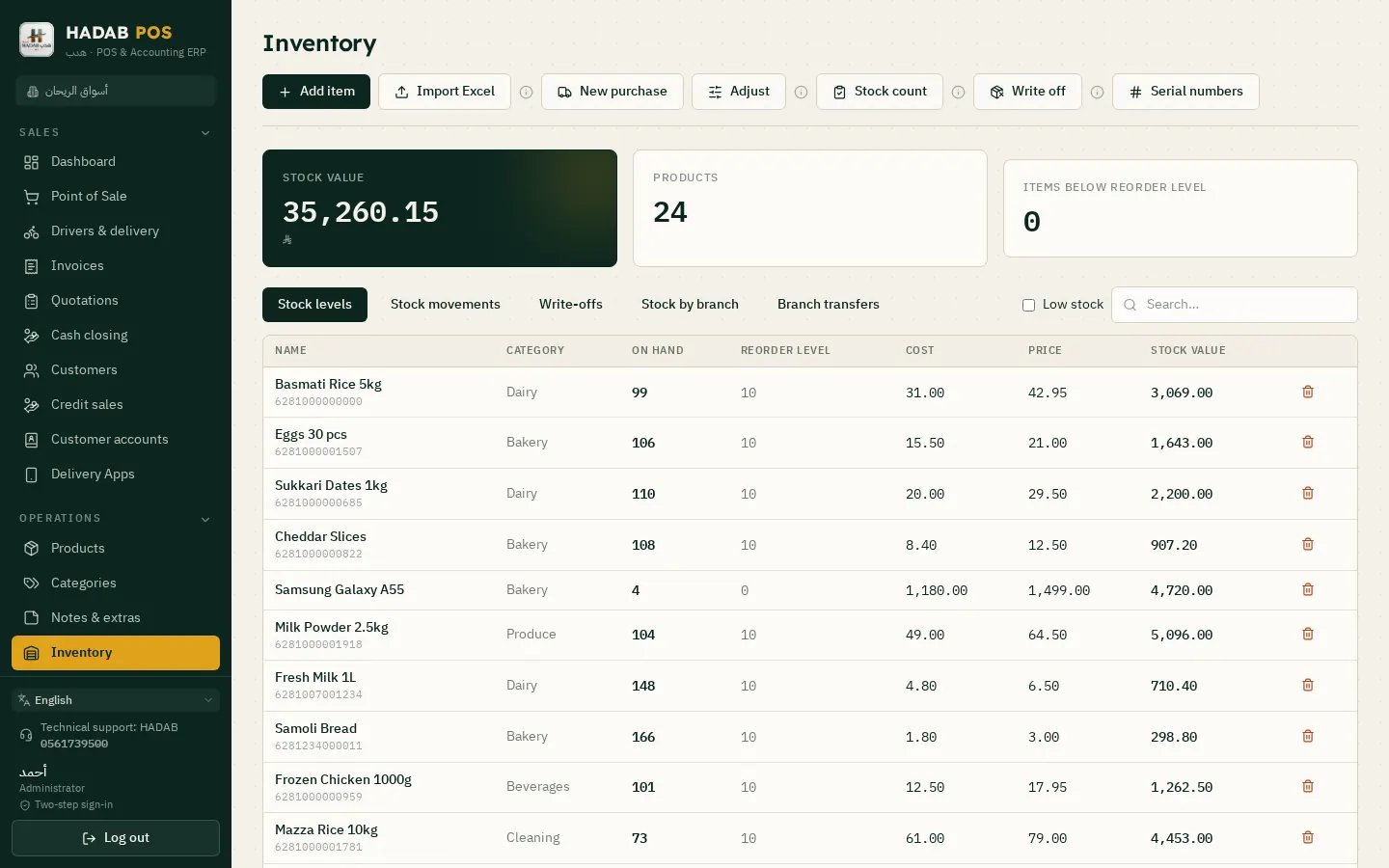
Switch it on only for the items that need it.

  • Type or scan the IMEI of each device on the purchase invoice
  • At the sale the cashier picks the number
  • Search by number: which supplier it came from, who bought it and when
  • For warranty and service without digging through papers

Colours and capacities

One model in all its versions.

  • Each colour and capacity with its own price and stock
  • Accessories by barcode
  • Import items from Excel
  • Branches: stock per branch and transfers between them
Stock and item balances
Sales and customers

Bigger deals with confidence

Deposits and credit

An expensive phone is not always paid in cash.

  • Reserve with a deposit and a receipt voucher
  • Credit sales with a limit per customer and a statement
  • Split payment: cash, card and transfer
  • Returns with an approved credit note

Offers and permissions

Control discounts and prices.

  • Quotations for companies (Accounting plan)
  • Offers and discounts for a set period
  • Loyalty points and discount coupons
  • Permissions: who can change a price or give a discount
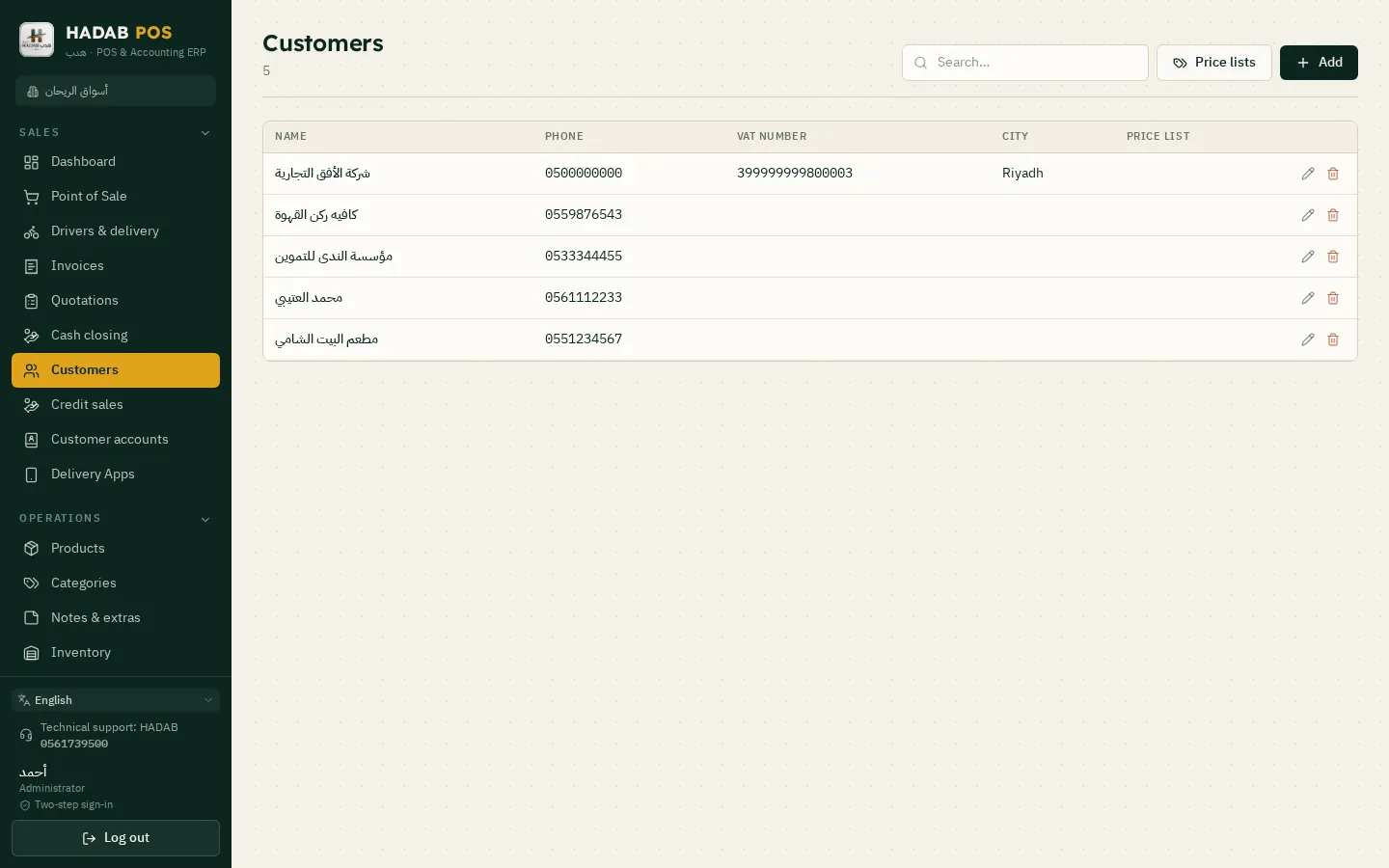
Customers: balances and statements
ZATCA compliantPhase 2: every invoice is signed and sent to ZATCA automatically with a QR code.
Works offlineSelling never stops, and invoices are sent when the connection is back.
Your data stays with youOn your computer in the shop, with a daily backup to your email.
Saudi supportWe help you install and link over WhatsApp.
Pricing

How much does it cost?

All prices include VAT, with a fully featured 14-day free trial.

POS plan

1,500 SAR

For the first year, then 575 SAR a year. The till, e-invoicing, stock, purchases, customers and reports.

Accounting plan

3,000 SAR

For the first year, then 575 SAR a year. Everything above plus full accounting, payroll, zakat and financial statements.

Plan details and extra devices

FAQ

Questions about Mobile phone shop POS

Does it record the IMEI of each phone?

Yes. You switch on "has serial number" on the item, record each device's number on the purchase invoice, and at the sale the cashier asks for the number, which is then linked to the invoice and the customer.

How do I find where a device that came back for warranty was sold?

From Stock › Serial numbers: type the number and you see which supplier it came from, who bought it and when.

Is there a repair ticket system?

No, there is no repair-ticket section yet. What it has: search by serial number to see the purchase and sale history, and selling spare parts and services as normal items on an invoice.

Can I reserve a device for a customer with a deposit?

Yes. Reserve it with a deposit and a receipt voucher; when the customer comes back they pay the rest and take it.

Is it compliant with ZATCA Phase 2 (Fatoora)?

Yes. You link the device from inside the program with an OTP from the ZATCA portal. After that every invoice is signed and sent to ZATCA automatically, with an approved QR code.

Which edition do I download?

The shops and supermarkets edition. It has the serial numbers, colours and capacities.

HADAB for every business

More pages

Ready to start?

Message us on WhatsApp and we will help you install and link with Fatoora.

+966 56 173 9500  ·  +966 50 062 6563

WhatsApp Free trial